

Call us :
+276 889 777


Find easy to follow instructions
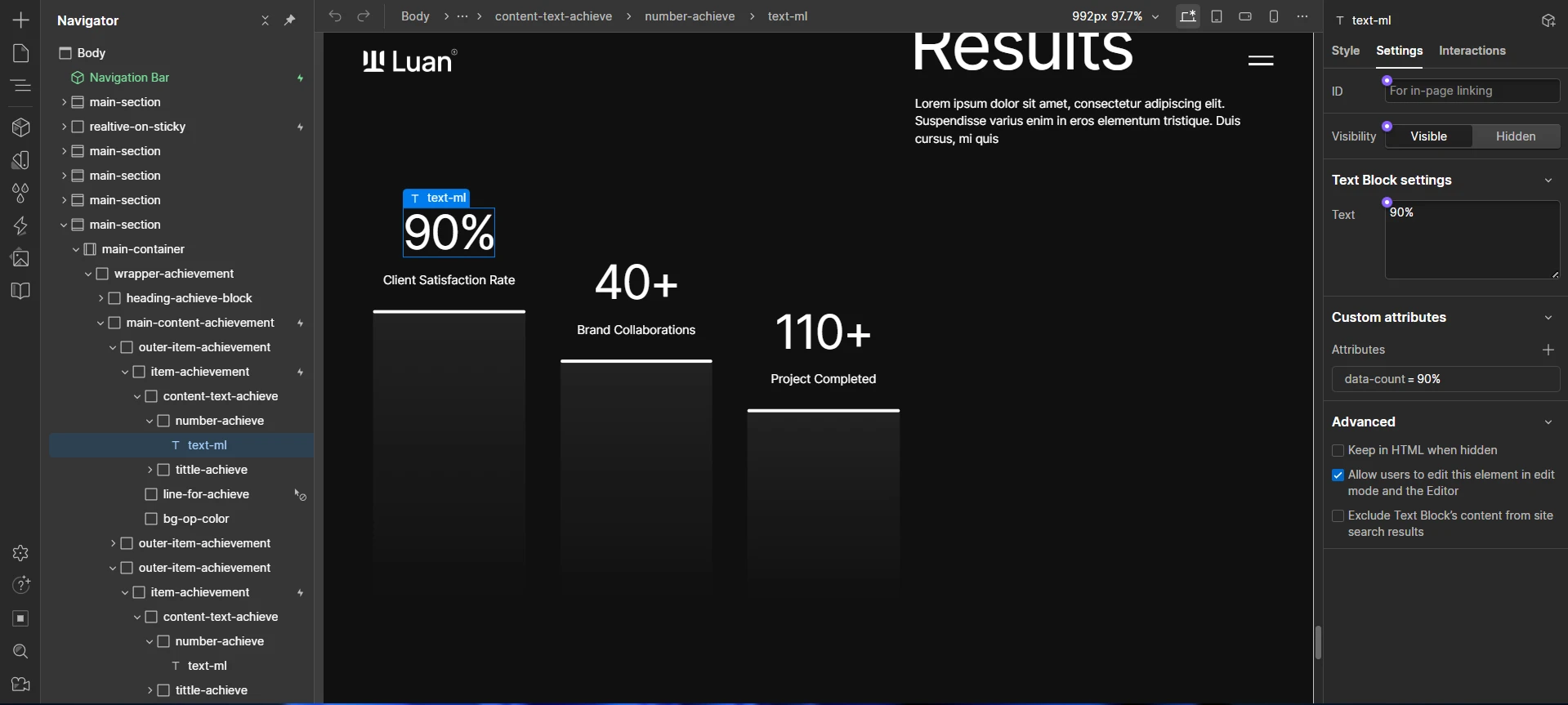
<script>
  gsap.registerPlugin(ScrollTrigger);

  document.querySelectorAll('[data-count]').forEach((el) => {
    const finalValue = el.getAttribute('data-count');

    const number = parseInt(finalValue.replace(/\D/g, ''));

    const suffix = finalValue.replace(/[0-9]/g, '');

    let obj = { value: 0 };

    gsap.to(obj, {
      value: number,
      duration: 3,
      ease: 'power2.out',

      onUpdate: () => {
        el.textContent = Math.floor(obj.value) + suffix;
      },

      scrollTrigger: {
        trigger: el,
        start: 'top 78%',
        once: true,
        markers : true
      },
    });
  });
</script><script>
const preview = document.querySelector(".area-service-overview");
const container = document.querySelector(".main-content-service");
let mouseX = 0;
let mouseY = 0;
let currentX = 0;
let currentY = 0;
let isInside = false;
const speed = 0.08;
// mouse masuk area
container.addEventListener("mouseenter", () => {
isInside = true;
gsap.to(preview, {
opacity: 1,
duration: 0.3,
ease: "power2.out"
});
});
// mouse keluar area
container.addEventListener("mouseleave", () => {
isInside = false;
gsap.to(preview, {
opacity: 0,
duration: 0.3,
ease: "power2.out"
});
});
// ambil posisi mouse hanya dalam container
container.addEventListener("mousemove", (e) => {
const rect = container.getBoundingClientRect();
mouseX = e.clientX - rect.left;
mouseY = e.clientY - rect.top;
});
// smooth animation
function animate() {
if (isInside) {
currentX += (mouseX - currentX) * speed;
currentY += (mouseY - currentY) * speed;
gsap.set(preview, {
x: currentX - 150,
y: currentY - 100
});
}
requestAnimationFrame(animate);
}
animate();
</script>